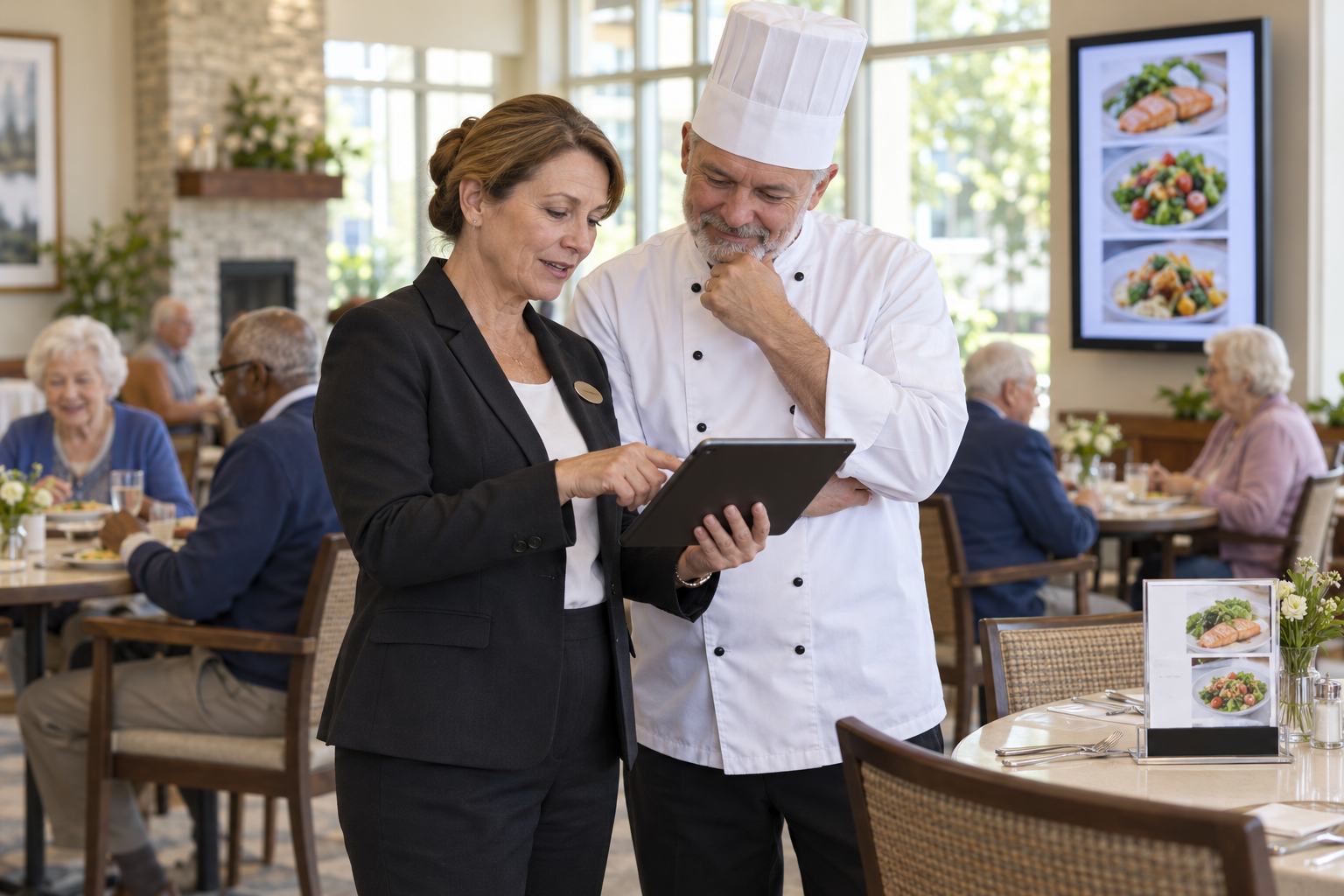
The kitchen substitutes a side dish because an ingredient did not arrive. The change is on the whiteboard, but the printed menu still lists the original dish and the order screen has not changed. Staff now have to explain the difference table by table. A small substitution has become a service problem.
Senior living menu changes need a repeatable path from decision to every place a resident sees or selects a meal. The objective is not perfect prediction. It is a current, reliable message when the plan changes.
That message should use the same item name everywhere. If a substitute has a different preparation method or ingredient profile, the description needs a fresh check before it reaches residents.
Name the Source of Truth
Decide who can approve a menu change and where the approved version lives. Include the item name, service date, reason, effective time, and any relevant preparation or ingredient notes. The senior living dining solution makes the operational relationship between menus and ordering worth examining, but each community must define its own approval rules.
Food allergies, therapeutic diets, and texture modifications require review by the appropriate qualified staff. A general menu update must never silently override an individual resident's approved dietary instructions. Keep that safety check distinct from the marketing or display update.
Update Every Resident-Facing Channel
List all the places a menu appears: printed copies, table displays, digital boards, order-entry screens, resident portals, and the information staff give verbally. POS Menu Boards is a relevant network resource for thinking about menu display management. The important operational question is whether the changed item reaches every active channel before the first order.
For urgent changes, use a short sequence:
- Confirm the replacement and its approved description.
- Update the order-entry option and price if applicable.
- Change displays and replace printed materials.
- Brief servers on the wording and alternatives.
- Check one resident-facing view before service.
If one channel cannot be updated, tell staff exactly how to handle the discrepancy. Do not leave residents to discover it at the table.
Check the Experience, Not Just the File
A menu can be technically updated yet still confuse residents. Review the wording, visual legibility, and available alternatives. Dining choices can affect social connection and wellbeing, which is why our article on dining as a health strategy treats the meal as more than an inventory item.
Ask whether staff had to make repeated corrections. If so, locate the missed channel or unclear approval step. A connected view such as the Genesis Platform can help frame the problem of information moving between operational tools.
Make Change History Useful
After service, record what changed, when each channel was updated, and any resident feedback. That history can reveal recurring supply issues or menu items that often cause confusion. POS Digital Display is another relevant network resource when digital communication is one of the channels to maintain.
Keep the review short. One owner, one approved change, and one final check before service can prevent a long chain of apologies afterward. To map where menu information diverges in your operation, request a focused review.