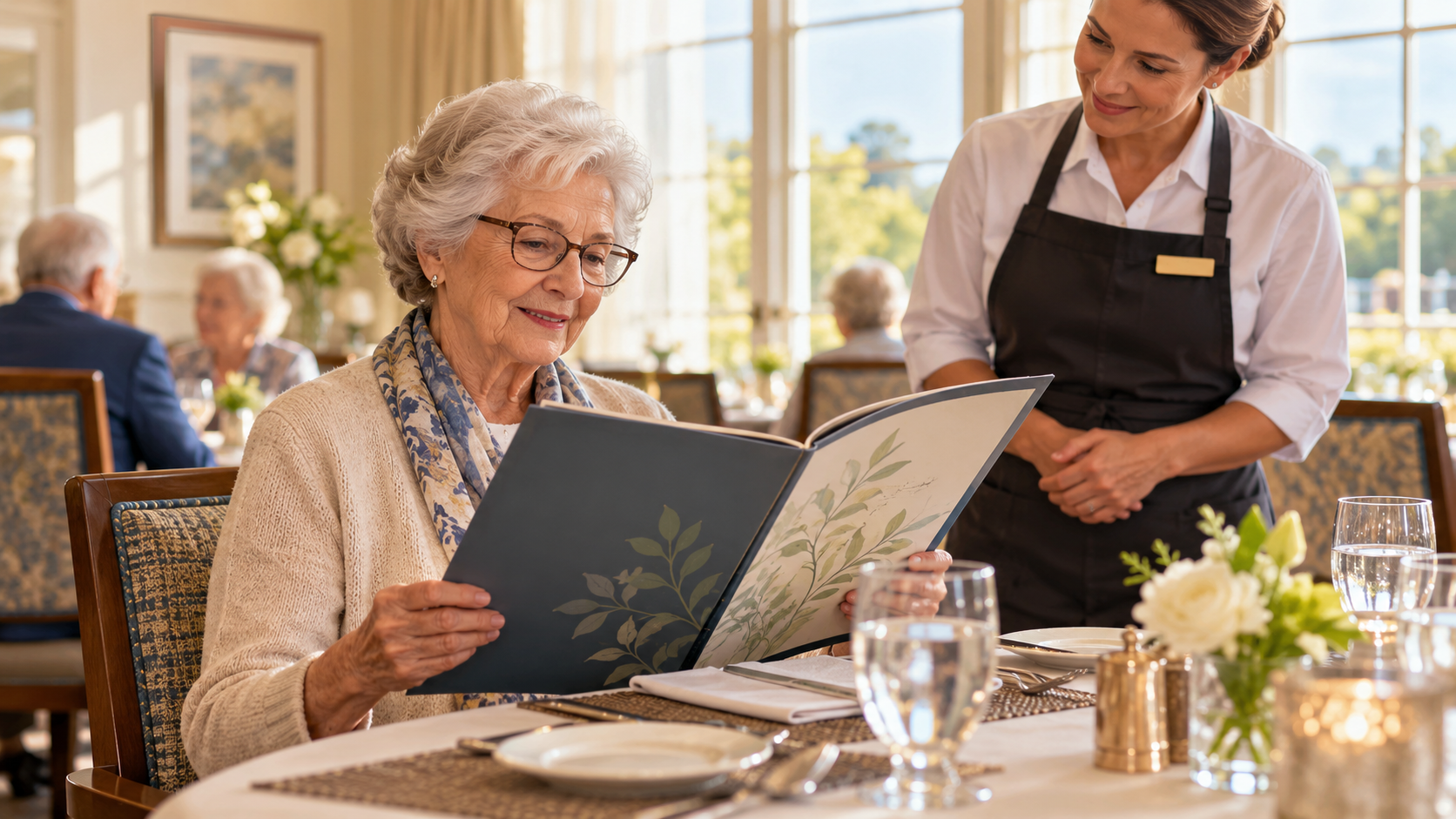
A menu can list every available dish and still leave a resident unsure what to order. Small print, inconsistent names, yesterday's special, or a digital screen that changes too quickly can turn choice into guesswork. Better menu design begins with the question residents actually ask: What can I have today, and how do I choose it?
Readable senior living menus support independence without assuming every resident reads, sees, or uses technology the same way. The goal is not one perfect format. It is a dependable set of options that agree with what the kitchen can serve.
Put the Current Choices First
Organize the menu around the meal decision: today's main options, alternatives, sides, and how to ask about a substitution. Use familiar names and short descriptions. The senior living dining workflow matters because the posted choice must match the order staff can enter and the kitchen can prepare.
Do not bury a daily change in a small note at the bottom. If an item is unavailable, update the printed, digital, and staff-facing versions together. The guide to managing menu changes shows why a menu correction is also an operational handoff.
Test Readability With Residents
Ask several residents to find a common item and explain how they would order it. Watch for hesitation rather than coaching them through the page. Check type size, contrast, spacing, and whether color is the only signal distinguishing sections. POS Menu Boards is a relevant network resource for menu presentation; a well-placed board still needs an accessible alternative for someone who cannot comfortably read it.
Offer printed copies where needed and give staff time to explain choices aloud. A digital-only menu may be convenient for updates but should not become the only way to know what is available. Use the community's accessibility policies for formats and assistance.
Keep Descriptions Honest and Useful
Avoid vague labels such as "chef's choice" when residents need to know the main ingredients or preparation style. At the same time, do not make unsupported nutrition or health claims. Questions involving allergies, texture modifications, or clinical diets should follow the approved care and nutrition process.
A practical menu review asks:
- Can someone find the current options in a few seconds?
- Do item names match what staff and the kitchen use?
- Is an alternative clearly identified?
- Does the menu explain whom to ask for help?
POS Digital Display is relevant when communities present rotating information on screens. Test the actual viewing distance and dwell time, not only a design preview on a laptop.
Close the Loop on Menu Questions
Track recurring questions for a week. If staff repeatedly explain the same item, the description may need work. The Genesis Platform provides a frame for keeping dining information connected across service steps. A short resident conversation remains the best check that a change made ordering easier.
Review the menu whenever offerings or service rules change, not only during a redesign. Residents should be able to choose without wondering whether the page in front of them is current. To examine how menu information reaches your dining room, request a focused review.