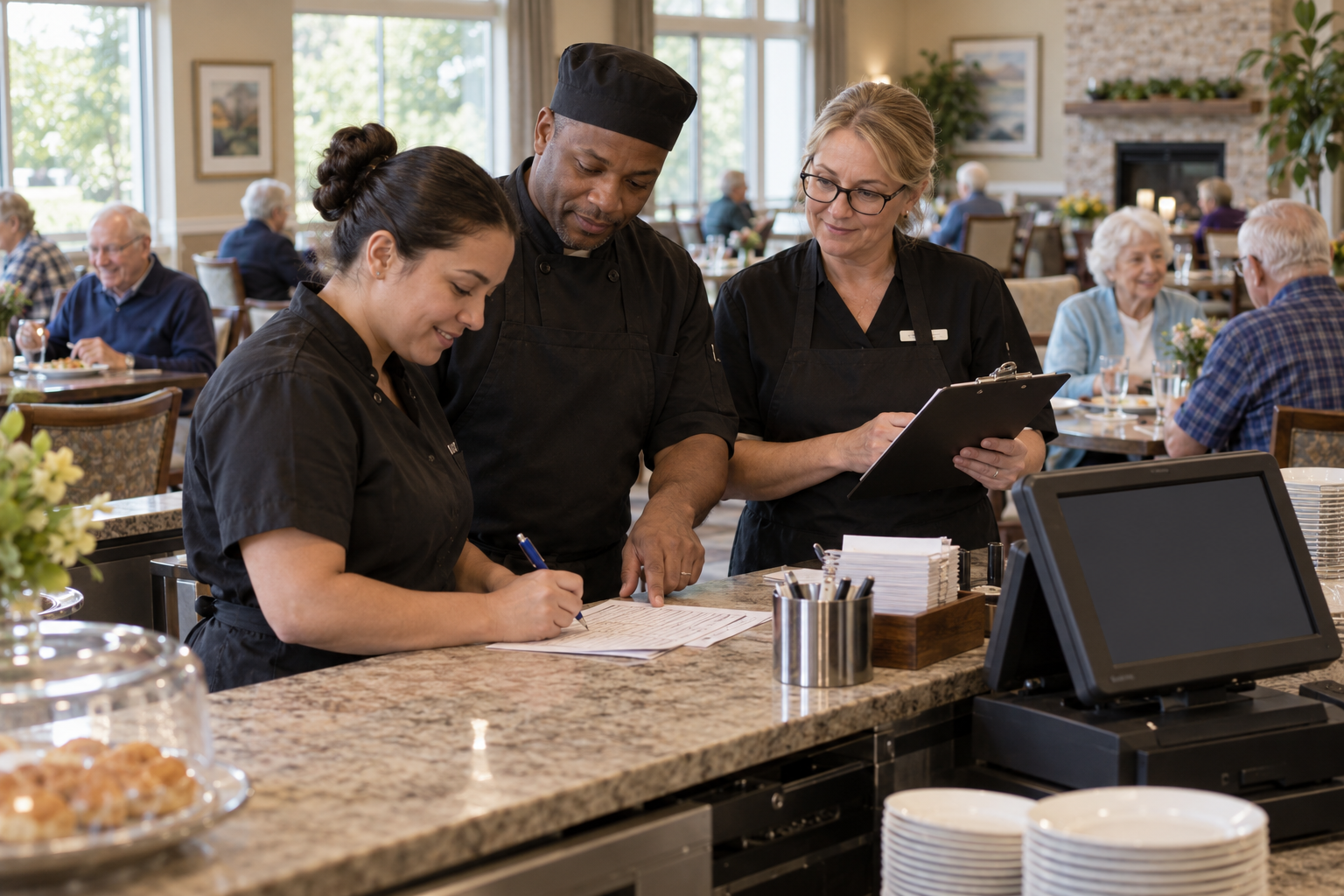
The order-entry system pauses just before dinner. Staff know the menu, but they are unsure how to route special requests, record charges, or reconcile handwritten tickets afterward. Service continues, yet the recovery creates hours of avoidable work.
A senior living dining downtime plan is not a promise that technology will never fail. It is a practical agreement about what staff will do when a system, network, or device is unavailable. The plan should protect resident needs first and preserve enough information to restore accurate records later.
The best time to decide on those steps is during an ordinary shift, when every department can calmly review its role.
Decide What Must Keep Working
Identify the minimum service steps: confirming a resident's order, checking approved dietary information, getting the order to the kitchen, delivering the correct meal, and recording any charge. The senior living dining workflow provides a frame for mapping those steps before an outage happens.
Qualified staff should define how allergy, diet, and texture requirements are verified when normal systems are unavailable. Do not rely on a stale printout without an approved validation process. If a safe check cannot be completed, follow the community's escalation procedure rather than improvising.
Prepare a Simple Fallback Kit
Keep approved paper forms, a current contact list, and instructions in a known location. Support4POS is a relevant network resource when technical support is part of the recovery path, but staff need an immediate operating plan while support investigates.
The fallback should state:
- Who declares downtime and tells each department.
- Where orders are written and how they reach the kitchen.
- How changes and canceled items are marked.
- Who tracks any billable service until systems return.
- Who tells residents about delays or limited choices.
Use one numbering or timestamp convention so records can be reconciled later. Keep personal information protected under the same policies that apply during normal service.
Rehearse the Handoff Back to Normal
Recovery is a separate workflow. Designate one person to confirm that systems are stable and another to reconcile paper records. Compare orders, payments, and adjustments before entering them; duplicate entry can be as costly as a missed entry. Our article on questions to ask during a software demo encourages looking beyond a smooth demonstration to real operational scenarios.
A connected platform such as Genesis is only one part of continuity. People still need to know which records are authoritative during the transition and who signs off on the final reconciliation.
Improve the Plan After Every Test
Run a short tabletop exercise before relying on the plan. Ask a server, kitchen lead, and billing colleague to walk through one ordinary meal and one modified order. POS University may help teams think about service training, while the community's own exercise will reveal missing forms or unclear responsibilities.
After a real outage, note what slowed service, what confused residents, and what took longest to reconcile. Update the plan and practice again. A good downtime process is not a binder on a shelf; it is a routine teams can perform calmly. To review operational gaps that appear when tools disconnect, request a focused review.