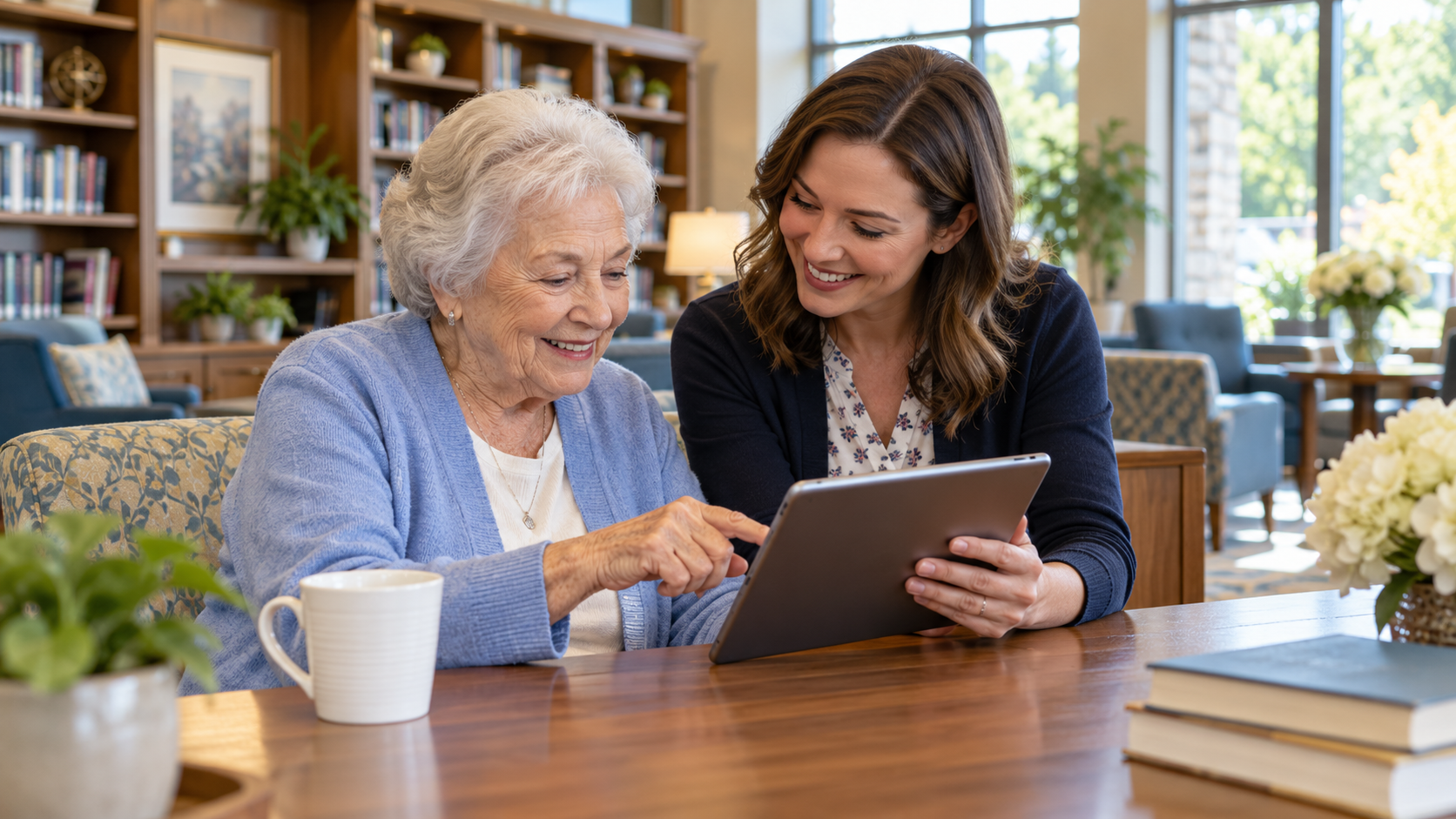
A resident wants to see the activity calendar on a tablet but stops when the first screen asks for a password. A large group demonstration may show every feature, yet leave that resident unable to complete the one task that mattered. Good technology help starts with the person's goal.
Senior living resident technology help sessions should be practical, patient, and optional. They can support communication and participation without assuming every resident has the same device, vision, confidence, or interest.
Ask What Residents Want to Do
Begin with everyday goals: find a menu, view an activity time, join a family video call, or submit a service request. The article on technology adoption in senior living provides broader context, but the local training plan should come from residents' own questions.
Choose one task per short session. If someone does not want to use a digital tool, continue offering the community's approved non-digital route. Technology should expand choice, not turn familiar services into obstacles.
Teach With the Resident's Device and Pace
Demonstrate a step, let the resident try it, and repeat as needed. Use clear language without assuming prior knowledge. SIAssist is a network resource relevant to support, while the best local instruction is often a one-page reminder written for the device residents actually use.
Check whether text size, touch targets, audio, or a different format would help. Ask permission before touching a personal device. A support session should not become a public display of someone's account or messages.
Set Privacy and Support Boundaries
Staff should not ask residents to say passwords aloud, keep credentials in a shared notebook, or sign in on an employee's personal account. Use the organization's privacy and device policies. When a task involves billing or care information, direct the resident to an authorized channel.
The operational intelligence solution is relevant when a digital request must reach a real service team. ServingIQ is a network resource for understanding patterns, but a resident needs a simple answer about who will respond and when.
A useful help-session checklist includes:
- The resident's chosen task.
- The device and accessibility preferences.
- A safe sign-in or recovery route.
- A practice step the resident can repeat.
- A contact for later help.
Do not mark success merely because the app opened once.
Invite a Follow-Up Without Pressure
Ask the resident to try the task again later and offer a short return visit. Note common stumbling points without collecting unnecessary personal data. If several people cannot find the same feature, improve the instructions or raise the issue with the product team. The Genesis Platform offers a frame for connected tools; usefulness still depends on how easily a resident can complete a real task.
Invite residents to suggest the next session topic rather than assuming that the newest feature is the most useful. A practical series may revisit the same basic task for different devices or comfort levels. That repetition is support, not a lack of progress.
Residents should leave with more control, not a feeling that they failed a class. To examine where technology and resident service meet in your community, request a focused review.