For most of our history, people knew ServingIntel for one thing: dining and point of sale. We ran the dining room, handled resident billing, and did it well. That was the box we lived in, and for a long time it was enough.
It isn't the whole story anymore. Somewhere along the way, the thing we built for the dining room grew up. Every time a community handed us a new problem, we solved it, and one solution at a time, we ended up running far more than the dining room. Today we call ourselves a senior living operating system, which sounds impressive but also sounds a little vague, the kind of phrase a vendor uses to make ordinary software feel bigger than it is.
So it's worth pinning down what we actually mean. What would it take for a piece of technology to run a senior living community, not just a corner of it? And why does that difference matter to the people doing the work every day?
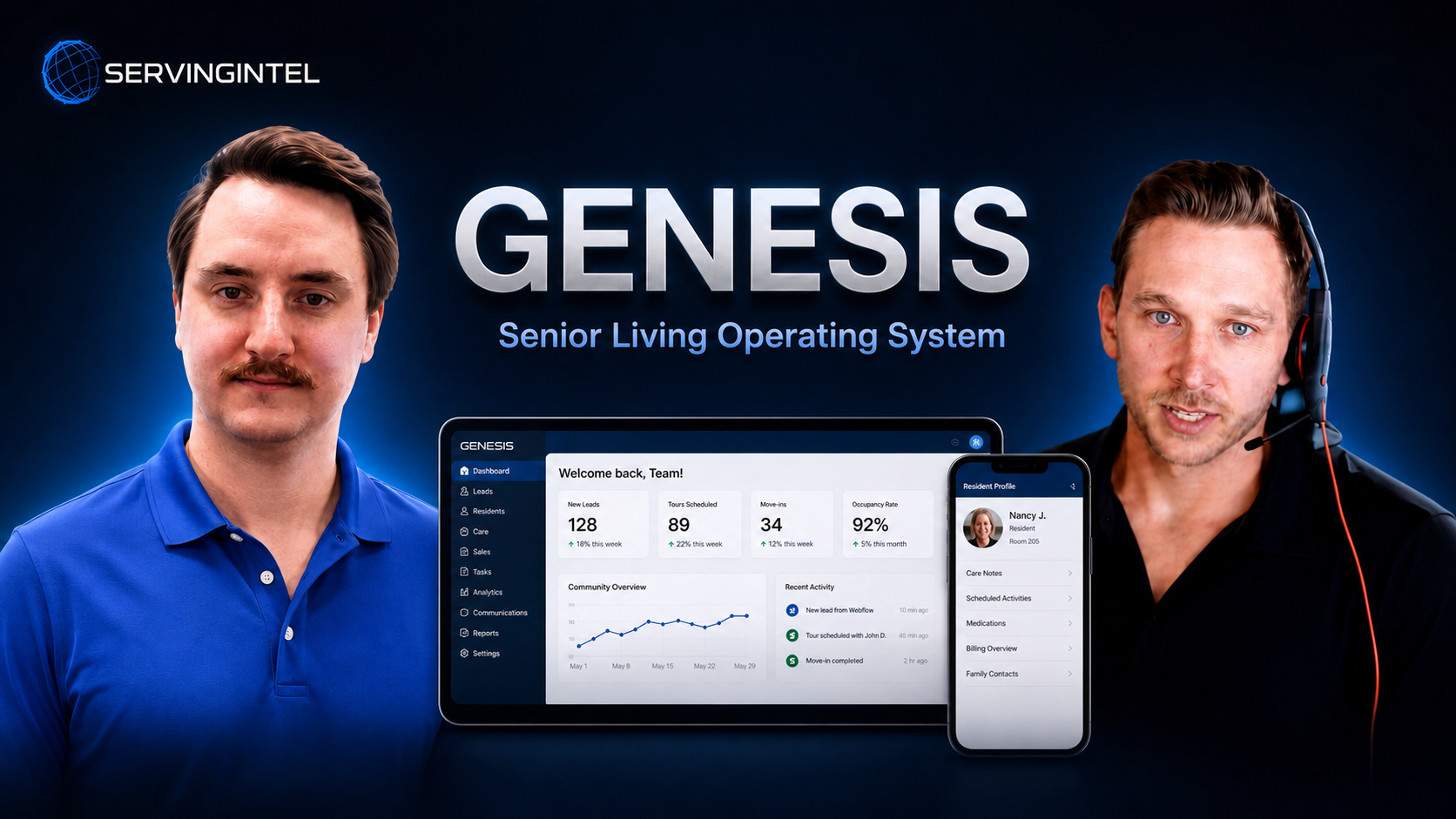
Two of our relationship managers, Colt and Josh, walk through the entire platform in the video below, from census at the front door to reporting at the back. Watch the full episode here.
From one room to the whole building
Most senior living software was born to solve a single problem. A point-of-sale system for the dining room. A billing system for the business office. A scheduler for the staff. Each one does its job well enough, and each one lives in its own world, unaware of the others.
That's how a community ends up running on a half-dozen disconnected tools that were never designed to talk. The dining room knows what a resident ate. Billing has no idea until someone types it in again. The care team learns a resident's preferences on day one, then the kitchen learns them again a week later, the hard way. Every one of those handoffs is a seam where information gets lost, time gets wasted, and someone has to do a job twice.
An operating system is the opposite of a pile of tools. It's the layer everything else runs on. For a community, that means one place that follows a resident from the moment they move in to the moment the books close at the end of the month, with nothing falling into the gaps in between.
Front door to back door
The clearest way to picture it is to walk the path a resident actually takes through a community.
It starts at the front door, with census. Nothing happens until a resident is actually moved in, so census is where the whole operation begins: the resident list, the move-in, the connection to whatever resident-management system a community already uses.
From there, the day fans out into everything that keeps a community running. The maintenance request for a burned-out light bulb. The staff schedule and time-and-attendance. Resident engagement, from activities and events to a digital assistant a resident can actually talk to. Dining in all its forms, from the main dining room to bedside ordering for residents who can't make it down, to a late-night kiosk for a snack when the kitchen's closed. The kitchen itself, with its recipes, its inventory, its item management. And the business office, where accounting, receivables, and payables get handled.
Then it reaches the back door: reporting. This is where a community finally sees itself clearly. What did residents actually use versus what they left on the table? Where is revenue coming from, and where is it quietly slipping away? A real operating system doesn't just collect that data. It turns it into something a leader can act on, and it can put the right report in the right inbox automatically instead of making someone rebuild it by hand every week.
Front door to back door, everything in between, one connected system. That's the whole idea.
Why "connected" is the entire point
Here's what changes when the pieces stop being separate.
A charge from the dining room lands on the resident's bill without anyone re-keying it. A resident's dietary needs and preferences follow them into every department automatically, so they don't have to re-explain themselves to a new face every morning. A meal a resident skips is known everywhere at once, instead of being billed by mistake because two systems never compared notes.
None of that is flashy. It's the quiet, unglamorous stuff that actually decides whether a shift goes smoothly or falls apart. And it's only possible when the data lives in one place instead of scattered across tools that don't know each other exists.
Intelligence built into the work, not bolted on
The other thing a modern operating system does is put help where the work happens. Instead of a separate manual or a support ticket, guidance lives inside each part of the platform. Stuck on how to duplicate a menu item or schedule a report? You ask, right there in the module, and get walked through it.
That matters more than it sounds. The reason good software goes unused isn't that people don't want it. It's that learning it feels like another job. When the system can teach itself to a new hire in the moment, adoption stops being a training project and starts being a Tuesday.
The real measure
Strip away the phrase, and a senior living operating system comes down to a simple test. Can your team answer a question, serve a resident, or close a month without hopping between systems that don't agree? If the answer is yes, the technology is doing its job: getting out of the way so the people closest to residents can spend their time on residents.
That's the bar. Not the number of features, but whether the whole operation finally runs as one thing.
If you want to see what that looks like in practice, from census at the front door to reporting at the back, take a look at the Genesis Platform.
Experience Genesis Platform Now
Or if you'd rather have our team walk you through it for your own community, request a discovery call and we'll show you around.